

Finding the right stock footage can make or break a video project. The right clip saves you a costly reshoot, while the wrong one makes your work look generic. In this Pond5 review, we take a close look at one of the largest stock media marketplaces in the world. We cover its content quality, search tools, licensing, pricing, and how it compares to competitors, so you can decide if it’s the right fit for you.
Disclosure: This article may contain affiliate links. If you purchase through them, we may earn a commission at no extra cost to you.
Pond5 Review at a Glance
Overall rating: ★★★★⯪ 4.5/5
| Category | Score |
|---|---|
| Video & audio library | ★★★★★ |
| Licensing | ★★★★★ |
| Pricing & flexibility | ★★★★☆ |
| Interface & search | ★★★★⯪ |
| Tools & integrations | ★★★⯪☆ |
| Stock photo library | ★★★⯪☆ |
| Key Facts | |
|---|---|
| Website | pond5.com |
| Founded | 2006 |
| Videos | ~49 million |
| Photos | ~113 million |
| Music tracks | ~2.7 million |
| Sound effects | ~3.1 million |
| License type | Royalty-free, perpetual |
| Free trial | No (free media section available) |
| Starting price | $25/month (Music plan) |
Quick verdict: Pond5 is one of the best stock media platforms for video editors, filmmakers, and agencies. It offers a massive footage and audio library, plenty of exclusive content, and one of the strongest royalty-free licenses on the market. Some premium clips are pricey, but for serious video work, Pond5 is well worth it.
What Is Pond5?
A Brief History of Pond5
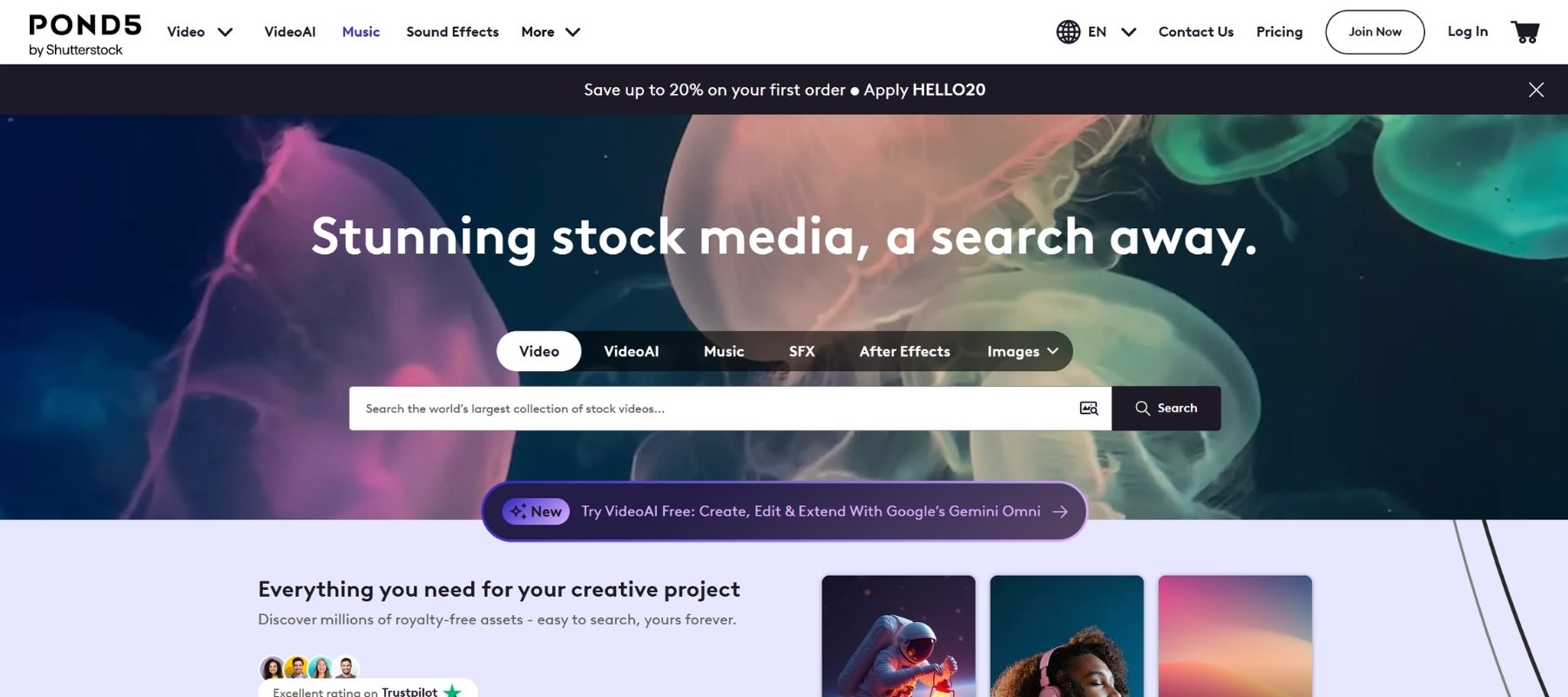
Pond5 was founded in New York in 2006 by Tom Bennett and Marcus Engene. It was the first royalty-free stock footage marketplace. The original idea was simple: give video producers a place to sell licenses to their clips. Demand grew quickly, and Pond5 expanded into photos, music, sound effects, illustrations, 3D models, and After Effects templates.
In 2022, Pond5 was acquired by Shutterstock and still operates as its own brand. Its content has appeared in productions by Disney, BBC, ITV, and Netflix.
How Pond5 Works as a Marketplace
Unlike many stock sites, Pond5 is a true marketplace. Contributors set their own prices and keep 50% of every sale. This model attracts a large community of professional filmmakers, cinematographers, and composers from around the world. The result is a more diverse, more original library than you’ll find on most traditional stock platforms.
Who Is Pond5 Best For?
Pond5 is built for anyone who works with moving images and sound. It’s especially well-suited for:
- Professional video editors who need high-resolution footage (4K, 5K, ProRes) that holds up on large screens
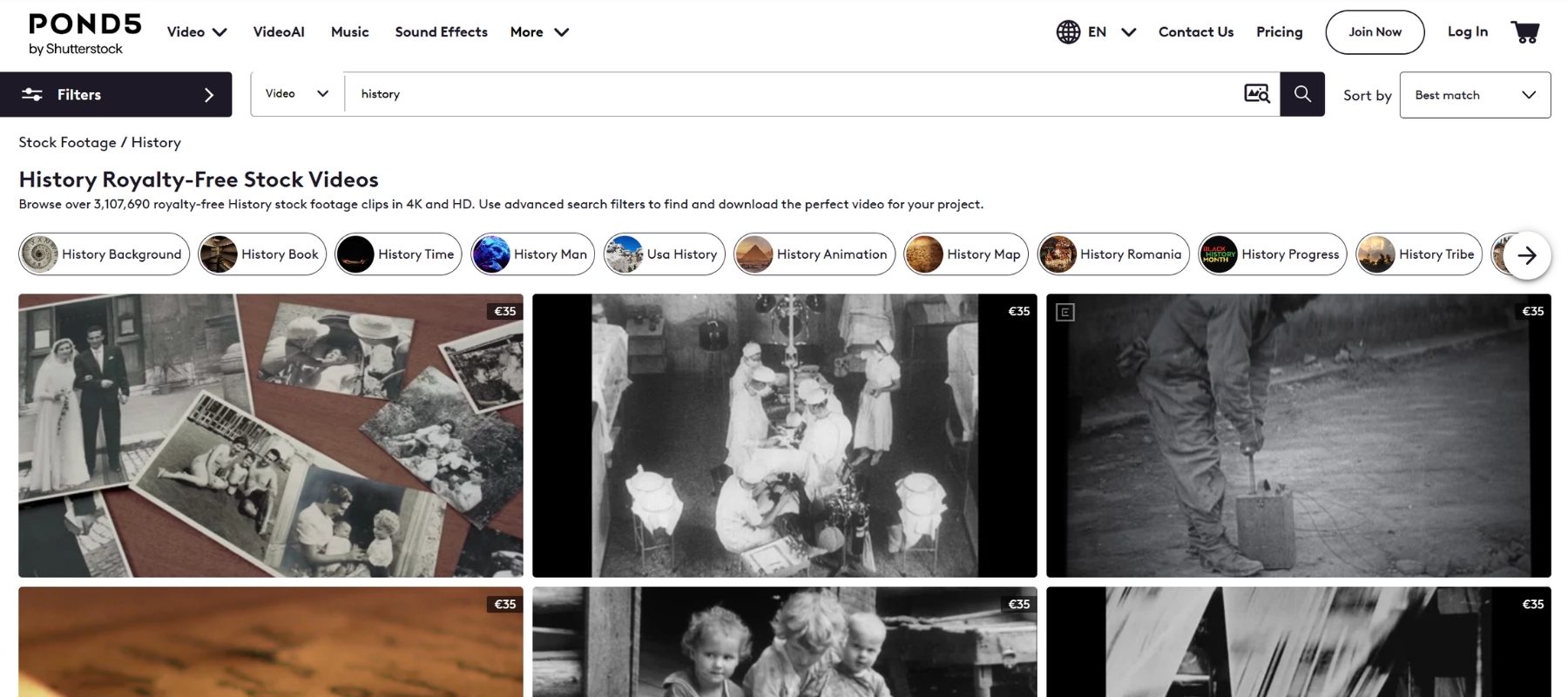
- Documentary filmmakers looking for archival and news footage
- Production companies and agencies that need strong legal protection for commercial and broadcast work
- YouTubers and content creators who want affordable, high-quality music and sound effects
- Motion designers who use After Effects templates and 3D assets
If you mainly need still photos for blog posts or social media, a photo-focused platform will usually serve you better.
Pond5 Search and User Experience
Visual Search by Image or Video
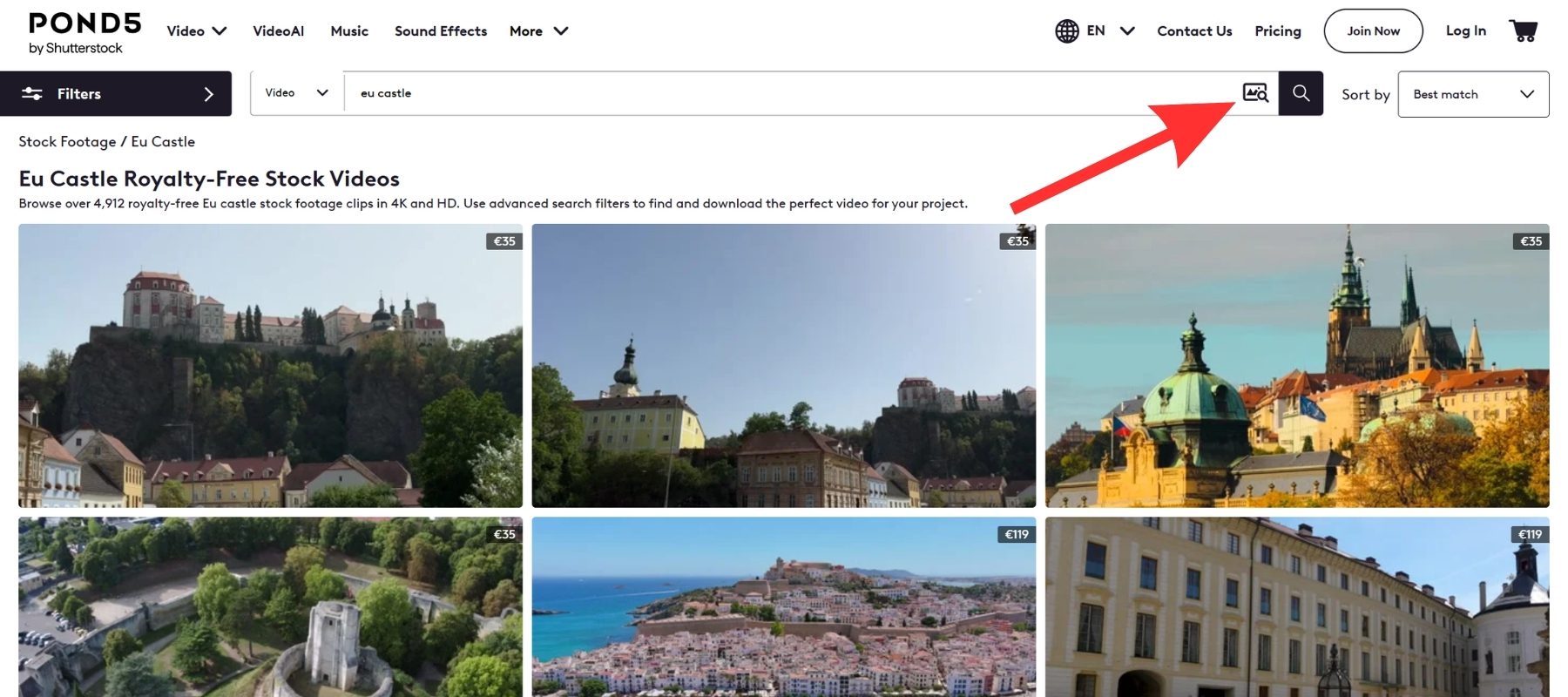
Pond5’s standout search feature is visual search. You upload an image or video clip, and Pond5 finds visually similar content in its library. When EXPERTE tested this feature with a beach clip, it worked flawlessly and returned highly relevant results. For editors trying to match an existing look, color palette, or camera angle, this saves a huge amount of time.
Advanced Search Filters
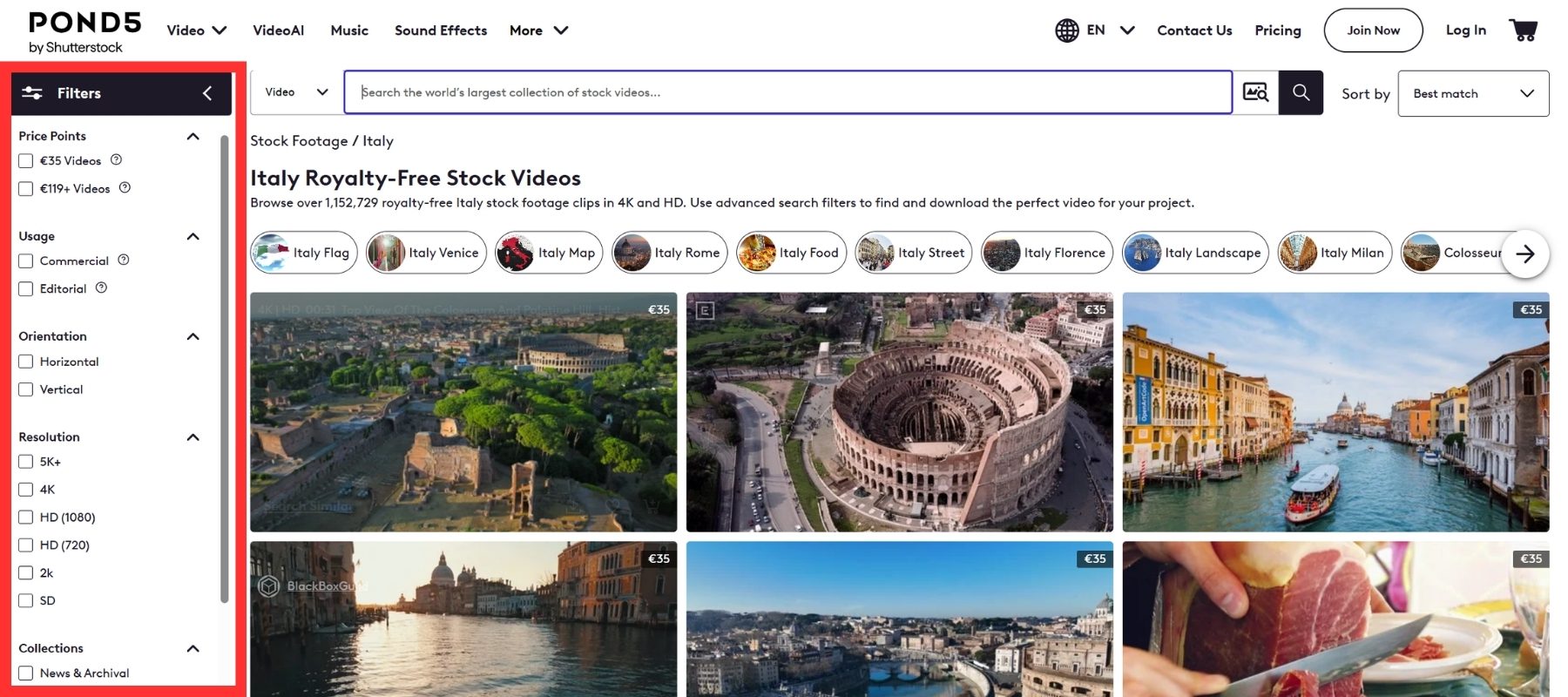
The video filters are among the most detailed in the industry. You can narrow results by:
- Resolution, duration, and frame rate (FPS)
- Price and exclusivity
- Number and gender of people
- Aerial shots, green screen, and loopable clips
- Commercial or editorial use
- Clips included in your subscription
Music can be filtered by mood, genre, tempo, and length. You can also find free tracks, music cleared for sampling, and non-PRO music. That matters if you publish on YouTube and want to avoid Content ID headaches.
Quick Previews and Watermarked Downloads
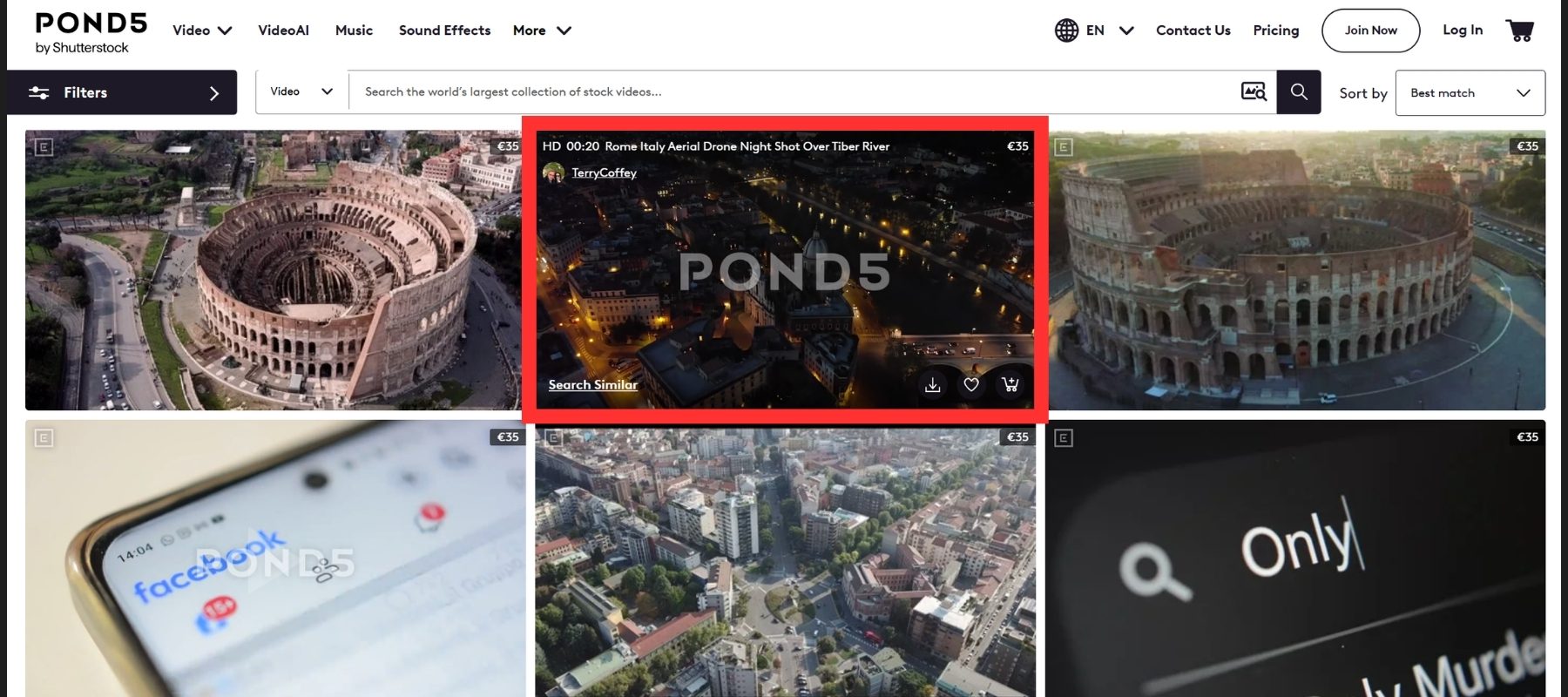
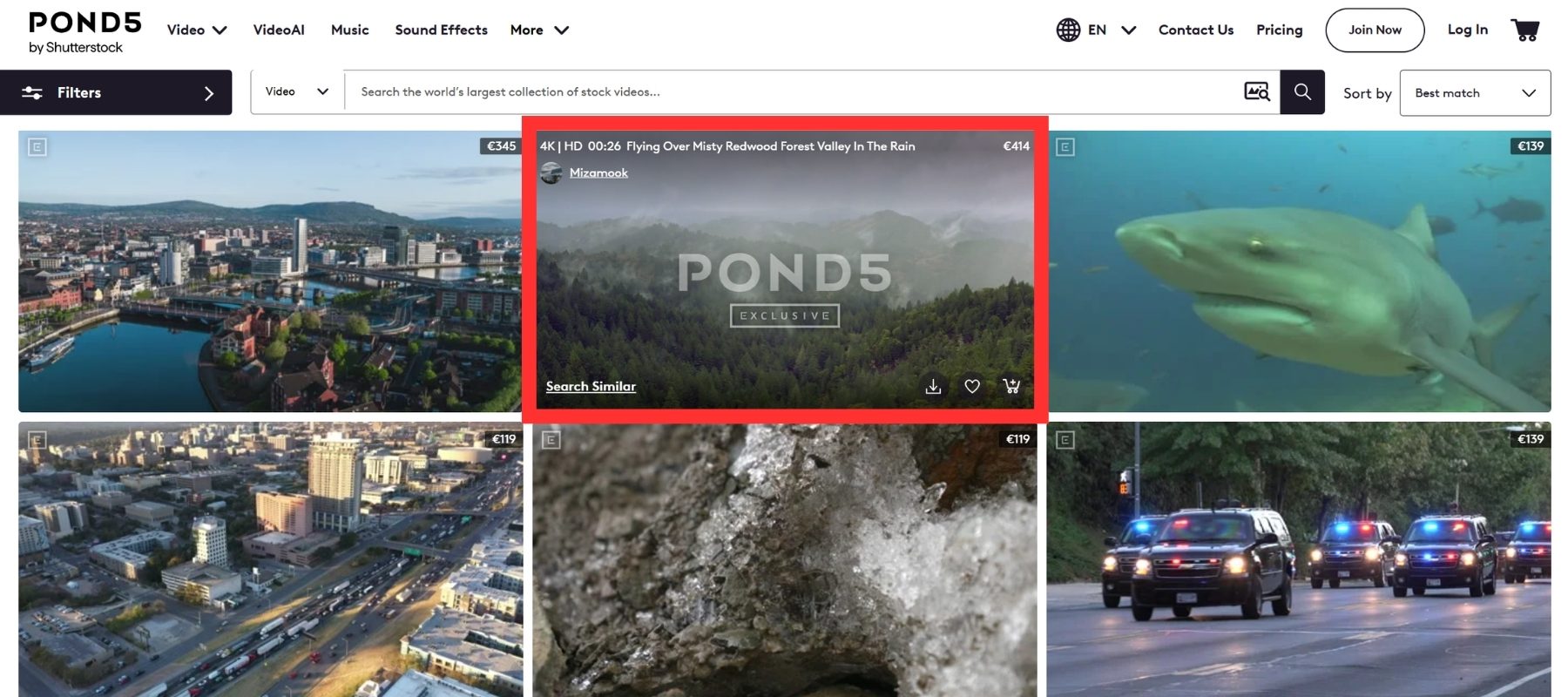
Hovering over a thumbnail instantly shows the clip’s duration, price, resolution, and exclusivity status. You don’t need to open every clip to see the key details. A “View Similar” link helps you explore related clips. You can also download watermarked previews to test in your edit before buying. Just remember that watermarked files are for previews only and can’t appear in your final project.
Pond5 Content Quality and Library Size
Stock Footage
Footage is where Pond5 truly shines. The library covers almost every subject imaginable, including cityscapes, timelapses, nature, food, aerial drone shots, and POV clips. Resolutions go up to 5K and beyond, and many clips are available in ProRes. Across our research, reviewers consistently praise the quality and variety of Pond5’s video content. EXPERTE describes the platform as being in a league of its own when it comes to footage.
Exclusive Content
Many contributors upload their work exclusively to Pond5. That means you’ll find clips that aren’t available on Shutterstock, Adobe Stock, or other competitors. Exclusive footage helps your projects look fresh and original rather than “stock.”
Archival and Editorial Footage
Pond5 has partnered with Reuters, Cover Video, and Newsflare to build one of the largest collections of royalty-free editorial footage in the world. It also offers historical clips and vintage media. For documentaries, news pieces, and history-based content, this collection is a major advantage that few stock sites can match.
Music and Sound Effects
With millions of music tracks and sound effects, Pond5 is a strong one-stop shop for audio. You can find cinematic scores, corporate background tracks, and everything in between. The sound effects library is equally impressive and neatly organized, which makes it easy to find the exact sound you need.
After Effects Templates and 3D Models
Pond5 offers tens of thousands of After Effects templates, including intros, titles, slideshows, transitions, and visual effects. There’s also a wide selection of 3D models for animators and motion designers.
Stock Photos and Illustrations
Still photos aren’t Pond5’s main focus, and the photo search filters are more basic than the video filters. That said, the photo library is huge and quality is generally good. Pond5’s archival photo collection is especially interesting and reasonably priced at smaller sizes.
Pond5 Licensing Explained
Royalty-Free License Basics
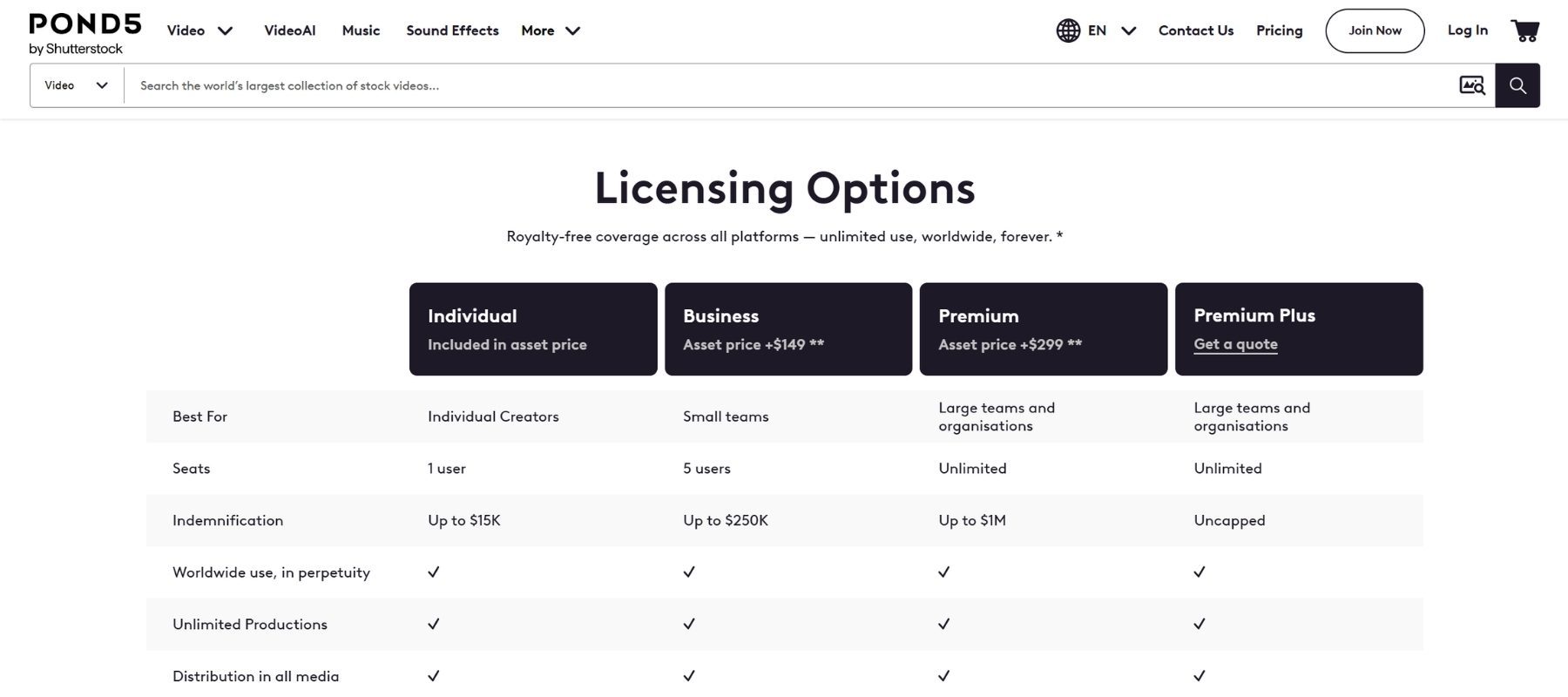
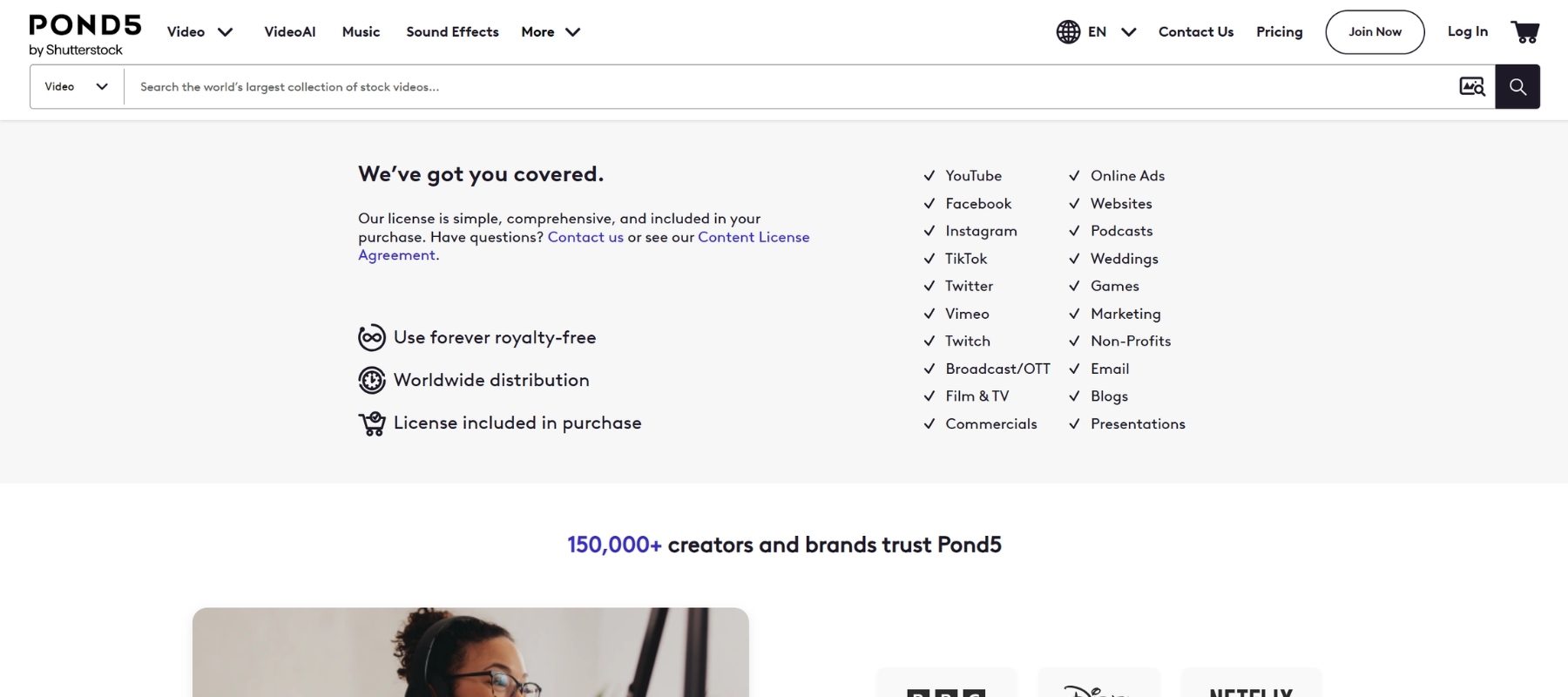
Every Pond5 asset comes with a royalty-free license. Once you buy a file, you can use it worldwide, forever, in unlimited personal and commercial projects. There are no renewals or recurring fees.
Individual vs. Business vs. Premium License
| License | Extra Cost | Indemnification | Users | Best For |
|---|---|---|---|---|
| Individual | Included | $15,000 | 1 | Social media, personal and small projects |
| Business | +$149 | $250,000 | 5 | TV broadcasts, regional ads |
| Premium | +$299 | $1,000,000 | Unlimited | Feature films, national campaigns |
| Premium Plus | Get a quote | Uncapped | Unlimited | Large teams and organisations |
Pond5’s basic license already includes $15,000 in indemnification, while many competitors offer only up to $10,000. The higher tiers add merchandising rights, unlimited print runs, and more users. You can upgrade any asset by clicking “Upgrade” on its product page.
Editorial Content Restrictions
Editorial clips, such as news footage, are meant for news, educational, and documentary use and come with extra limitations. Pond5 clearly labels these restrictions on each product page, so you always know what’s allowed.
Pond5 Pricing: Plans and Costs
Pond5 gives you three ways to pay: subscriptions, credit packs, and individual purchases.
Subscription Plans
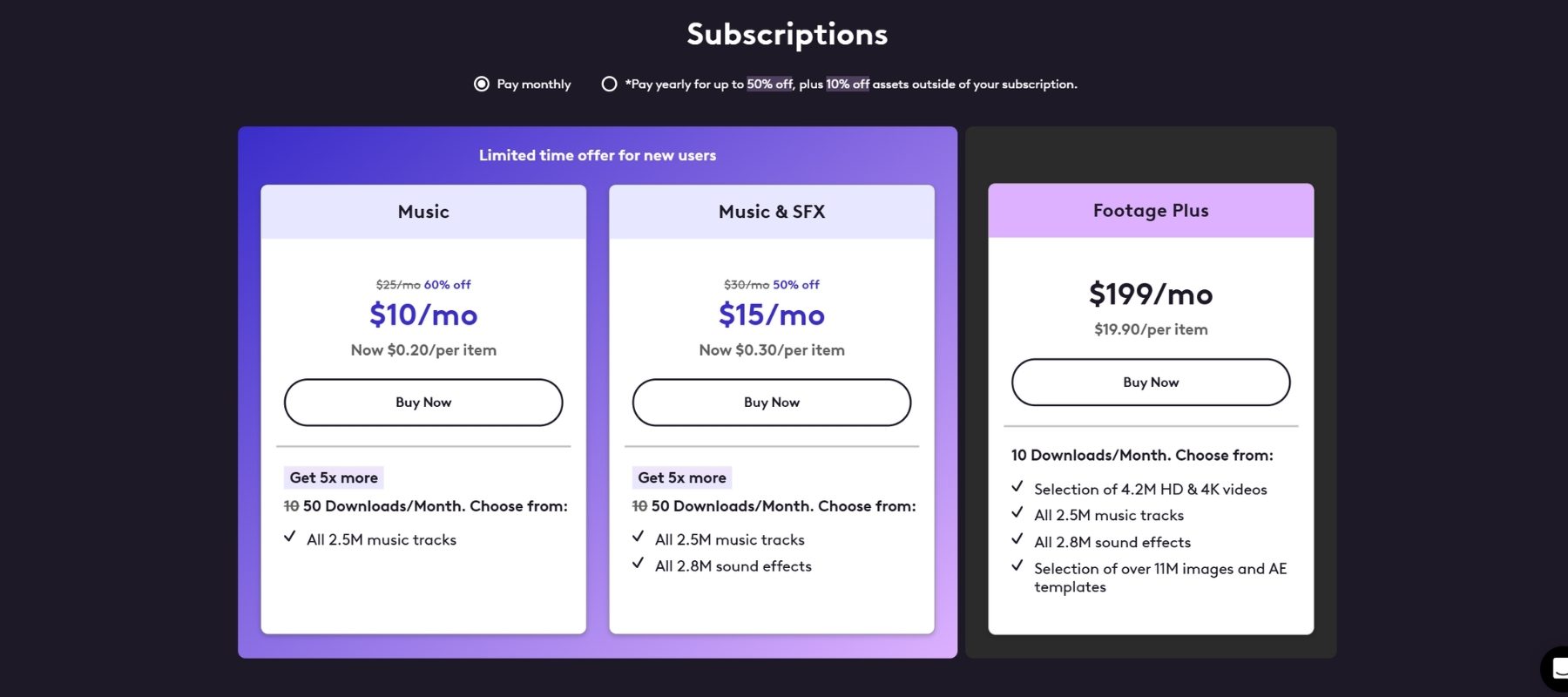
| Plan | Monthly | Yearly | What’s Included |
|---|---|---|---|
| Music | $25 ($10 Limited time offer for new users) | $150 ($60 Limited time offer for new users) | 50 music downloads/month |
| Music & SFX | $30 ($15 Limited time offer for new users) | $180 ($90 Limited time offer for new users) | 50 music + SFX downloads/month |
| Footage Plus | $199 | $999 | 10 downloads/month: video up to 4K, music, SFX, photos, AE templates |
Unused downloads roll over to the next month, so you never lose value. The annual Footage Plus plan works out to about $83 per month, a big saving over monthly billing.
Keep in mind that Footage Plus includes a curated selection of the video library, not every clip. Before you subscribe, use the “subscription” search filter to check that the included footage fits your needs.
Credit Packs
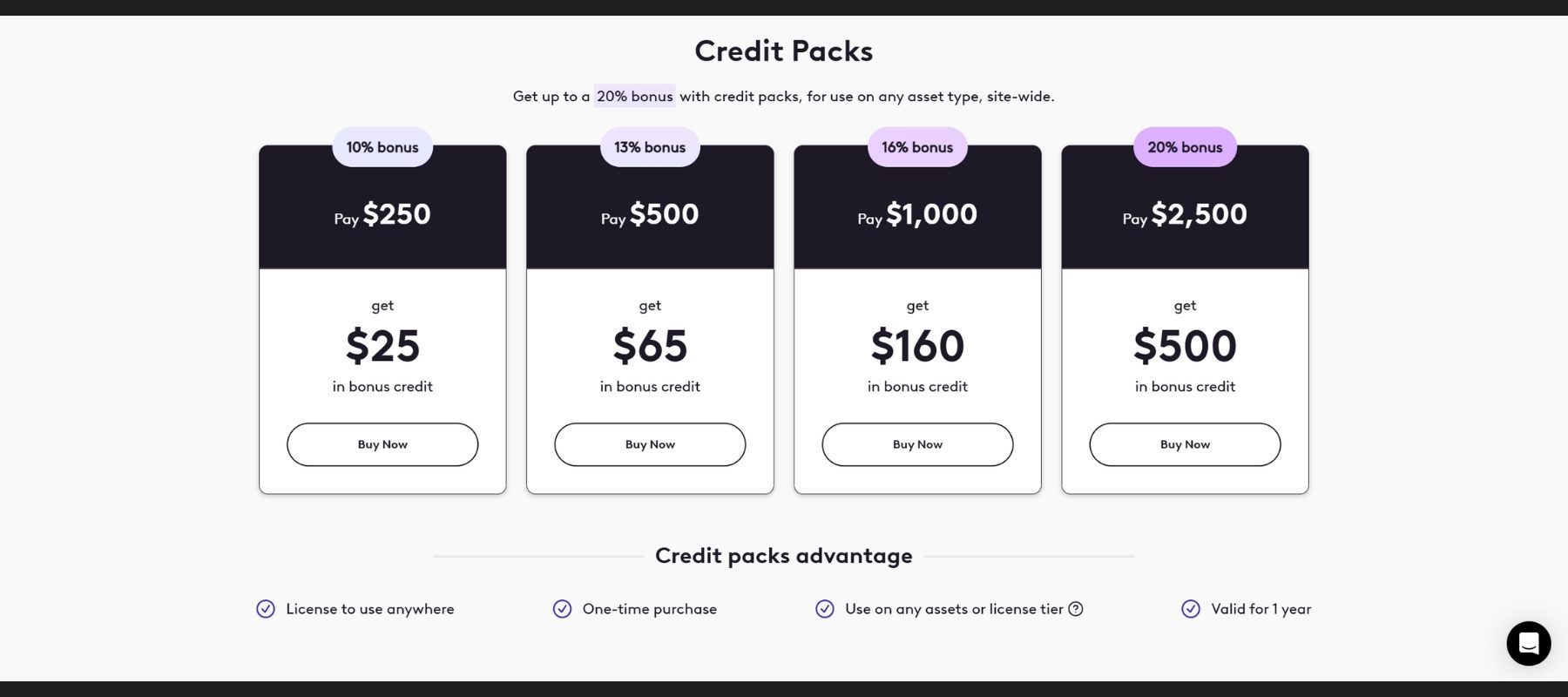
Credit packs work like prepaid balance with a bonus:
| You Pay | Bonus Credit |
|---|---|
| $250 | $25 (10%) |
| $500 | $65 (13%) |
| $1,000 | $160 (16%) |
| $2,500 | $500 (20%) |
Credits can be spent on any asset or license upgrade and are valid for one year.
Pay Per Asset
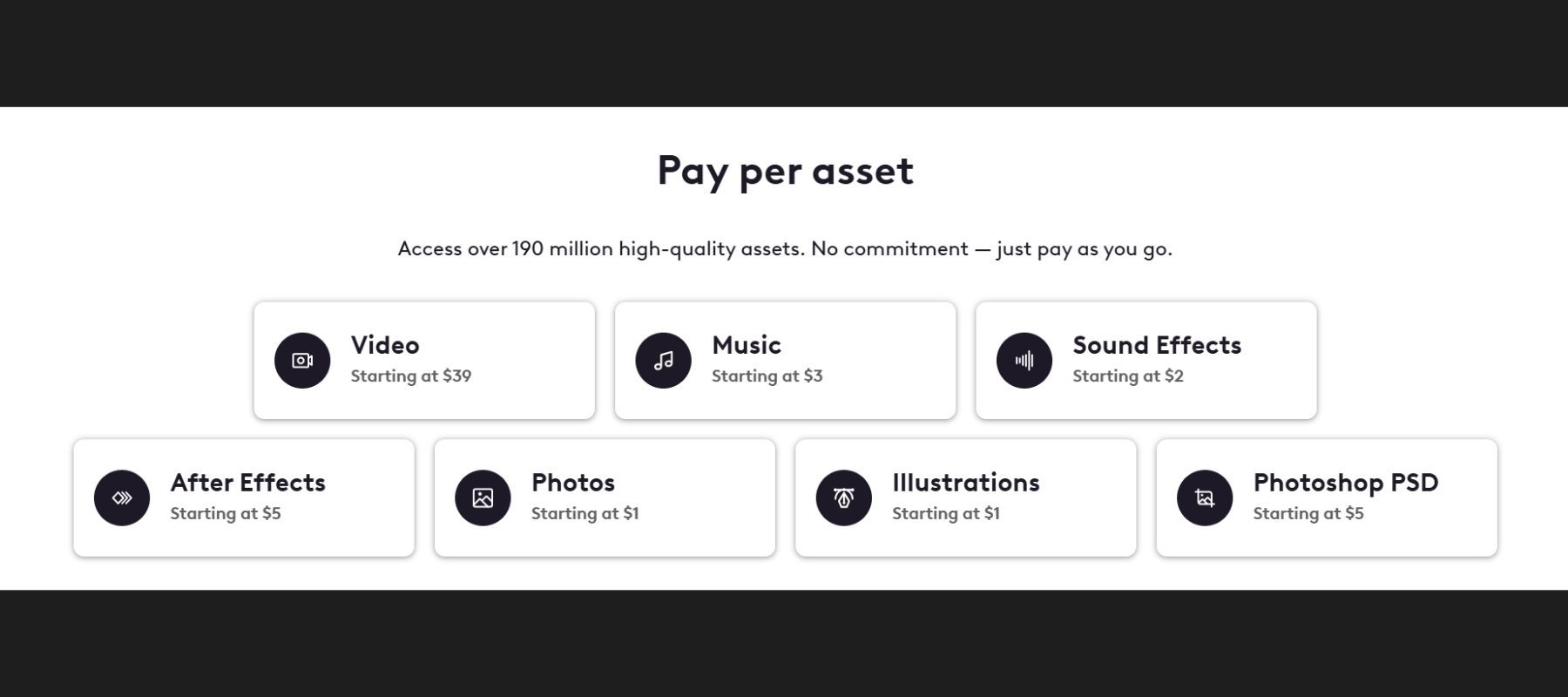
You can also buy assets individually. Because contributors set their own prices, costs vary. Most assets fall between $10 and $100.
How to Save Money on Pond5
- Choose annual billing instead of monthly
- Browse the Budget Friendly collections for quality clips at lower prices
- Check the free media section before buying
- Combine a subscription with credit packs for clips outside the plan
- Look for first-order discounts and seasonal promotions
Pond5 Customer Support
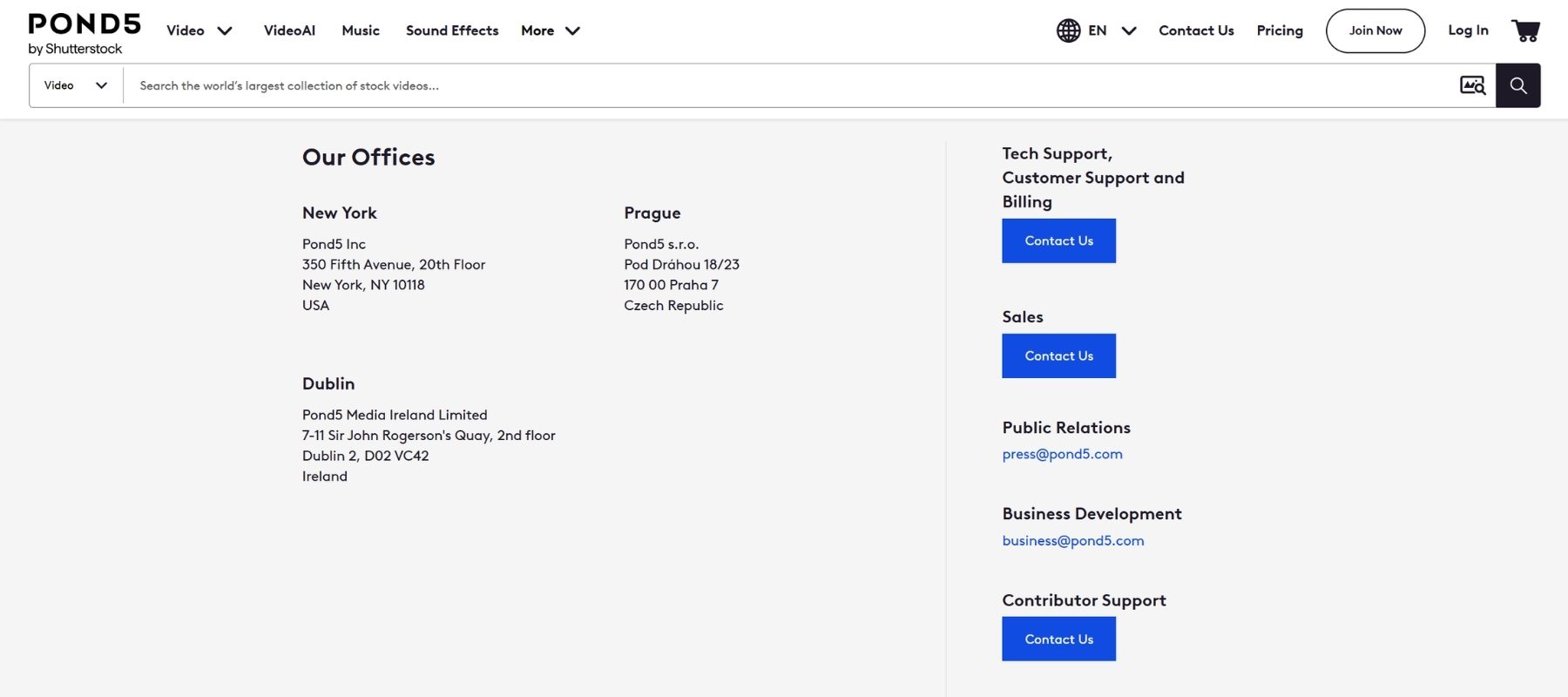
Pond5’s support team is fast and professional. You can reach them by email, phone, and live chat. In EXPERTE’s testing, every query was answered courteously and competently within a few hours, earning a 10/10 support score. Pond5 also offers refunds within 24 hours of purchase if you’re not satisfied.
Pond5 vs. Competitors
| Platform | Best For | Video Pricing Example |
|---|---|---|
| Pond5 | Exclusive, archival, and high-end footage | Footage Plus: $199/mo for 10 downloads |
| Shutterstock | Huge photo and video library | 10 videos for $159/mo |
| iStock | Budget-friendly premium content | 10 videos for $99/mo |
| Adobe Stock | Adobe Creative Cloud users | 6 videos for $80/mo |
| Storyblocks | Unlimited downloads on a budget | From $15/mo |
Prices are based on published reviews and may vary by region and promotion.
Pond5 isn’t the cheapest option, but it stands out for exclusive footage, archival content, and licensing protection. That makes it the stronger choice for professional and broadcast work.
Pond5 Pros and Cons
Pros
- ✅ One of the largest video and audio libraries in the world
- ✅ High-quality footage up to 5K, including ProRes
- ✅ Exclusive content you won’t find elsewhere
- ✅ Archival footage from partners like Reuters
- ✅ Perpetual royalty-free license with up to $1M indemnification
- ✅ Powerful visual search and detailed filters
- ✅ Flexible pricing with rollover downloads
- ✅ Fast, professional customer support
Cons
- ❌ Premium clips are priced above the market average
- ❌ Footage Plus doesn’t include the entire video library
- ❌ No free trial
- ❌ Photo search filters are limited
Is Pond5 Worth It? Final Verdict
Yes. If you work with video, Pond5 is absolutely worth it. Few platforms combine a massive footage library, exclusive content, archival material, quality music, and a strong license the way Pond5 does. The search experience is smooth, support is excellent, and flexible pricing lets you pay in the way that suits your workflow.
Beginners and YouTubers can start with the Music plan at $25 per month. Professional editors and agencies will get the most value from the annual Footage Plus plan combined with credit packs. That setup gives you affordable monthly downloads plus access to the full library when you need a specific clip.
If your budget is very tight or you mainly need still photos, a cheaper unlimited-download service may suit you better. For professional-grade footage and audio, though, Pond5 is one of the best choices available in 2026.
Try Pond5 (Recommended for Most Content Creators)
FAQs
Does Pond5 offer a free trial?
No, Pond5 doesn’t offer a free trial. However, it has a free media section, and you can download watermarked previews to test in your edits before buying.
Is Pond5 royalty-free?
Yes. All Pond5 licenses are royalty-free and perpetual. You pay once and can use the asset in unlimited projects worldwide.
Do I need a subscription to use Pond5?
No. You can buy individual assets or credit packs without subscribing.
Can I get a refund from Pond5?
Yes. Pond5 offers refunds within 24 hours of purchase if you’re not satisfied.
Can I use Pond5 content for commercial projects?
Yes. All non-editorial content can be used commercially. Editorial content is limited to news, educational, and documentary use.
Is Pond5 safe to use?
Yes. Pond5 uses encrypted connections and secure payment processing, so purchasing and downloading content is safe.
